
29 May 2026
MCP connectors: how to connect Claude or ChatGPT to your own tools
An AI assistant becomes useful only when it can see your data and take actions. We show what an MCP connector is, what it enables, and how to set it up safely.
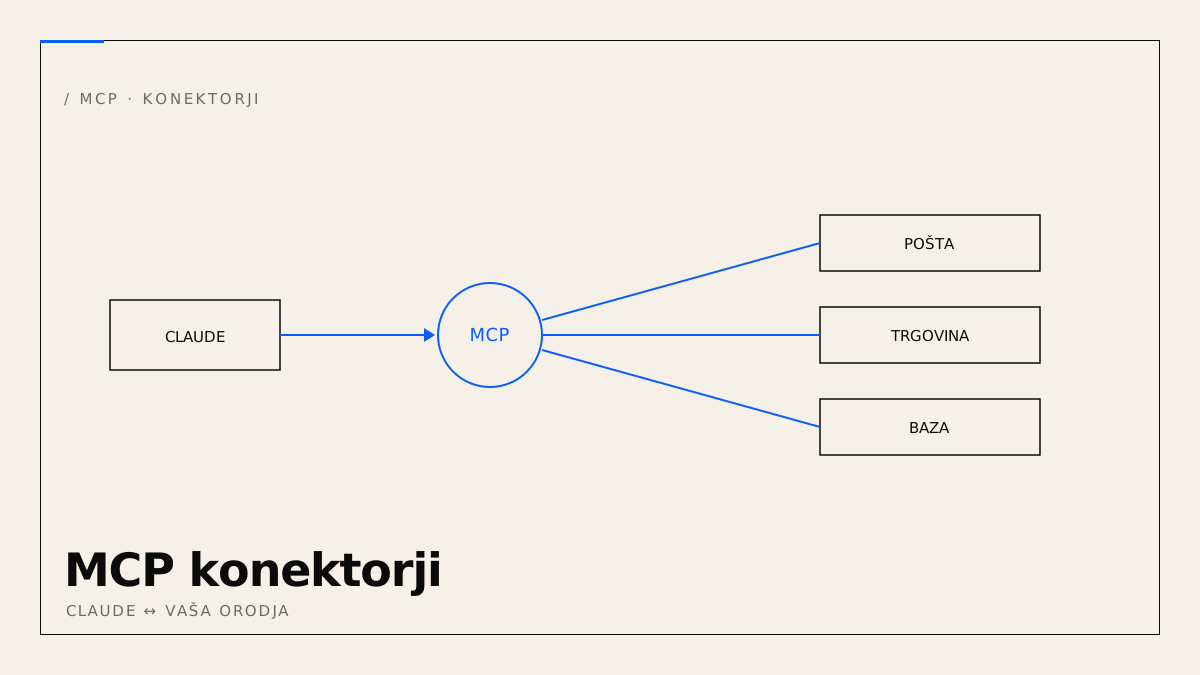
An AI assistant that only “talks” is pleasant but limited. It becomes useful only when it can see your data and take actions — read your catalogue from the database, add a product to the store, draft a reply from your inbox. That's what an MCP connector enables.
What an MCP connector is
The Model Context Protocol (MCP) is an open standard through which an AI client (Claude Desktop, Claude Code, others) calls tools and reads data in a uniform way. A connector is the bridge between the assistant and an external system — your database, store, documents or API.
What it enables in practice
- Documents and email: summarise a contract, find a quote, draft a reply.
- WooCommerce / WordPress: add a product, update a price, edit content — in natural language.
- Internal systems: query the database, create a task, trigger an export.
- The web: read public data from a WebMCP-enabled site and submit an inquiry.
How to set it up
Modern clients connect over HTTP, with no local server:
- Claude Desktop: add a “custom connector” — the server URL and (if needed) authorization.
- Claude Code (CLI):
claude mcp add --transport http my-server https://example.com/mcp --header "Authorization: Bearer <TOKEN>"
Once connected, the assistant sees the tools and calls them like functions.
Security (don't skip this)
- Bearer token instead of sharing a password; protected paths are closed by default (deny-by-default).
- Least privilege: the agent gets only the tools it actually needs.
- EU / GDPR: data is processed in the EU; sensitive operations sit behind a login or token.
When a custom MCP server is worth it
When you have your own systems and want AI to work in them safely. We build a custom MCP server — with exactly the tools you need, under your control.